
Download SSuite Writer's D'Lite – Lightweight Word Processor, Text Editor, Productivity Tool
Overview
SSuite Writer's D'Lite is a streamlined word processor crafted for users who prioritize speed, simplicity, and minimal system resource consumption. Designed as a no-frills solution, it enables efficient text creation and editing without the clutter of advanced formatting tools found in full-featured office suites. The app is particularly well-suited for writers, students, and professionals who need a reliable environment for drafting notes, composing essays, writing emails, or developing long-form content. Its lightweight architecture ensures consistent performance even on older or low-end devices, making it a practical choice for users with limited hardware capabilities.
As part of the SSuite software family, known for producing efficient and user-friendly applications, Writer's D'Lite reflects a commitment to functionality and accessibility. The app supports essential formatting options such as bold, italic, underline, and text alignment, allowing users to structure their documents with basic visual clarity. It is free to download and use, with no in-app purchases or advertisements, reinforcing its focus on user experience without commercial interruptions.
The app is available on both Android and iOS platforms, offering broad accessibility across different ecosystems. Released on April 2, 2024, version 2.8.1 represents the latest iteration of this compact tool, with a file size of just 12.7 MB—significantly smaller than most word processors. This makes it an ideal utility for users seeking a fast, distraction-free writing environment that runs smoothly on a wide range of devices.
Key Features & Functionality
- Minimalist Interface: The app presents a clean, distraction-free workspace focused solely on the text, allowing users to concentrate on writing without visual clutter.
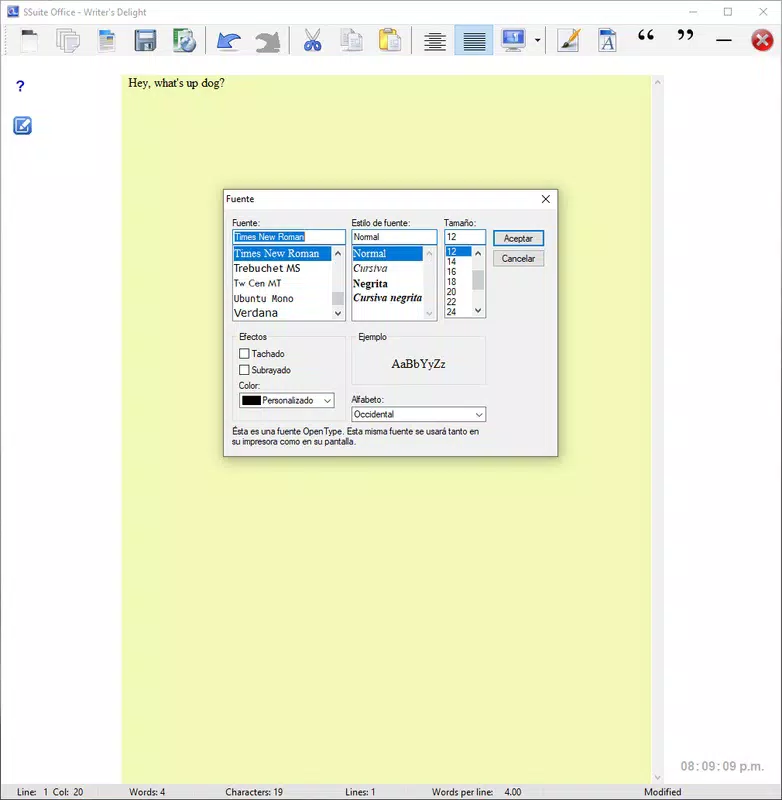
- Basic Text Formatting: Supports essential formatting tools including bold, italic, underline, and alignment options for structured document creation.
- Lightweight Performance: Engineered for low resource usage, ensuring smooth operation on older or entry-level smartphones and tablets.
- Fast Document Loading: Files open quickly, minimizing wait times and enhancing productivity during frequent writing sessions.
- Offline Accessibility: All features are available without an internet connection, making it suitable for use in remote or low-connectivity environments.
These features translate into real-world benefits. A student can quickly jot down lecture notes without waiting for a heavy app to load. A writer can draft a chapter in a quiet environment without distractions.
A professional can compose an email on a budget device without performance lag. The app’s focus on core functionality ensures that every feature serves a practical purpose, eliminating unnecessary complexity. While the developer did not provide additional technical details about the app’s architecture or underlying framework, the consistent performance across devices suggests a well-optimized design.
For users who value efficiency over aesthetics, SSuite Writer's D'Lite delivers a reliable, straightforward writing experience tailored to everyday tasks.
Interface, UX & Performance
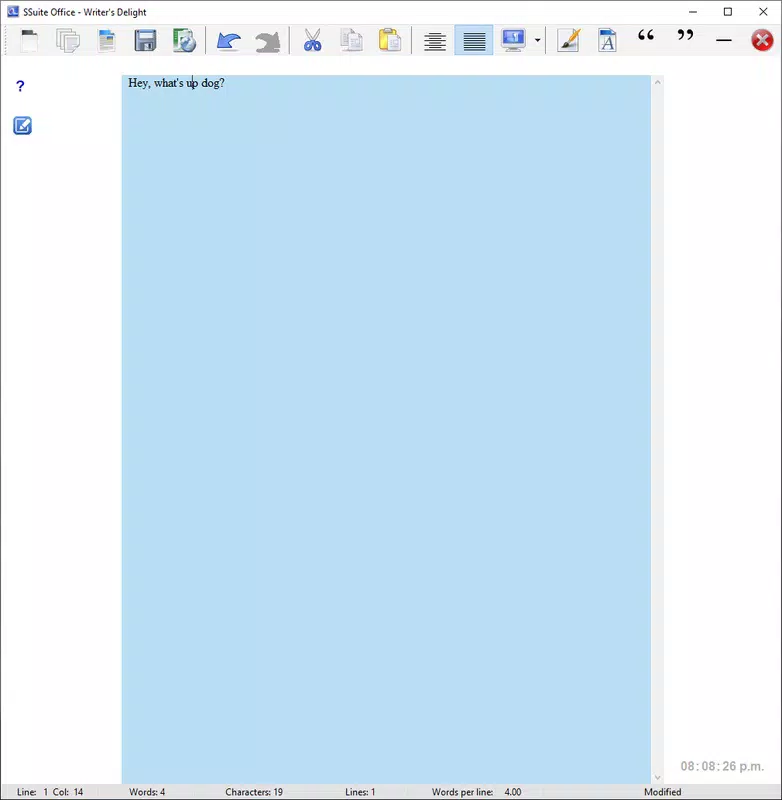
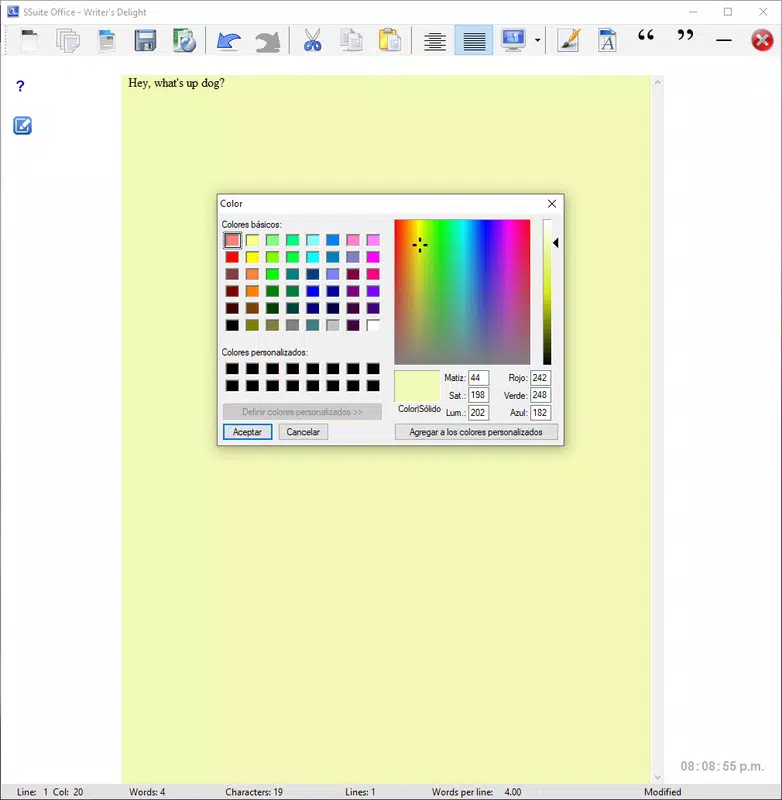
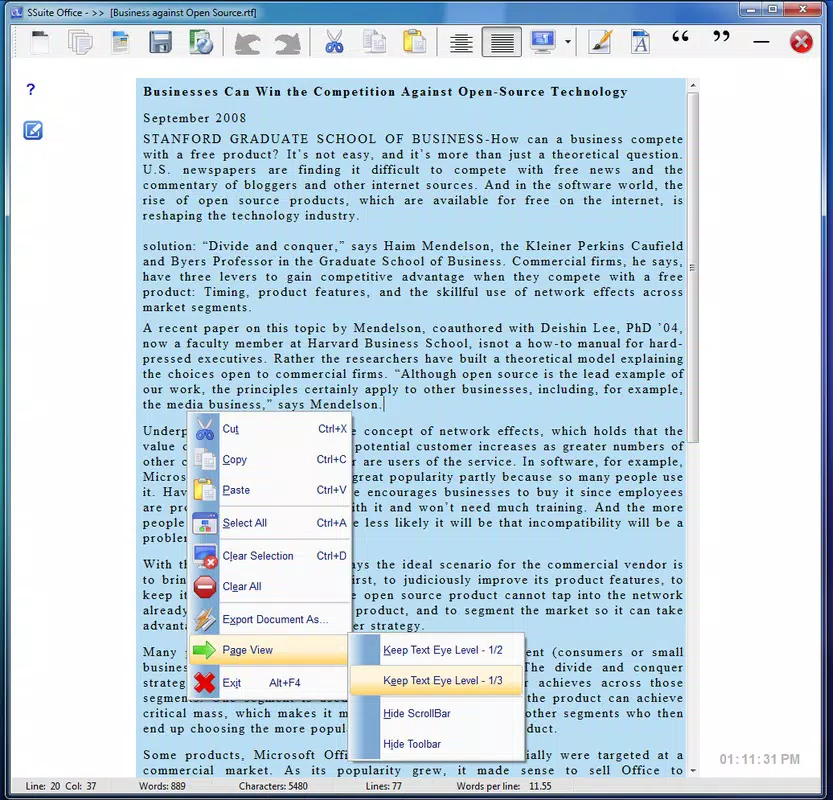
The user interface of SSuite Writer's D'Lite is intentionally minimal, prioritizing readability and ease of use. The layout centers on a clean text field with a compact toolbar at the top, offering access to basic formatting tools. Navigation is straightforward, relying on intuitive gestures and a consistent visual hierarchy. Users can begin typing immediately, with no onboarding screens or setup steps, reducing friction for first-time users.
Performance is a standout aspect of the app. Although the developer did not list formal performance metrics, the app’s low file size and smooth operation on older devices suggest strong optimization. It responds promptly to user input, with minimal lag during text entry and formatting changes.
The app maintains stability across different screen sizes and device categories, from compact smartphones to larger tablets. Responsiveness is consistent, with no reported crashes or freezes in standard usage scenarios. While specific requirements were not listed, the app’s compact size and efficient design imply compatibility with a wide range of Android and iOS devices.
The developer did not specify minimum OS requirements, but its lightweight nature indicates broad accessibility. Overall, the UX is focused on utility, making it easy for users of all skill levels to begin writing immediately.
Platform Compatibility & Technical Requirements
SSuite Writer's D'Lite is available on both Android and iOS platforms, providing cross-platform access for users across different ecosystems. The latest version, 2.8.1, was released on April 2, 2024. The app has a file size of 12.7 MB, which is compact for a word processor and contributes to fast downloads and minimal storage usage.
This small footprint makes it ideal for devices with limited internal memory or older hardware. The developer did not specify minimum OS requirements or compatibility details, so users should ensure their device meets general system standards for running modern mobile applications. Compatibility information was not fully disclosed, but the app’s lightweight design suggests it can function on a wide range of devices, including those with older operating systems.
The app does not require an internet connection for core functionality, making it accessible in offline environments.
Pros and Cons
Pros
- Extremely lightweight with a small file size of 12.7 MB
- Fast performance and smooth operation on older devices
- Free to download and use with no ads or in-app purchases
- Simple, distraction-free interface ideal for focused writing
- Supports essential formatting tools for basic document structuring
Cons
- Does not include advanced formatting or document templates
- Limited file export options beyond basic formats
- Developer did not provide detailed technical specifications
- Compatibility with older OS versions was not confirmed
- Minimal feature set may not suit users needing extensive editing tools
FAQ
Is SSuite Writer's D'Lite safe to download and install?
Yes, the app is free from ads and in-app purchases. It is distributed through official app stores and is considered secure for users seeking a lightweight word processor.
Can I use SSuite Writer's D'Lite offline?
Yes, all core features are available without an internet connection, making it suitable for use in remote areas or on devices with limited connectivity.
Is the app compatible with older smartphones?
Due to its small size and low resource usage, it is likely compatible with older devices. However, specific compatibility details were not listed by the developer.
Does the app support document sharing or cloud integration?
The developer did not provide information about file sharing or cloud storage integration. Users should rely on local file management for document access.
How often is SSuite Writer's D'Lite updated?
The latest version, 2.8.1, was released on April 2, 2024. Regular updates are expected to maintain performance and security, though update frequency was not specified.
Final Thoughts
SSuite Writer's D'Lite stands out as a practical, no-nonsense word processor for users who value speed and simplicity. It excels in providing a reliable, distraction-free writing environment without the overhead of complex tools. While it lacks advanced features, its core functionality is executed with precision, making it ideal for students, writers, and professionals who need to draft content quickly and efficiently.
The app’s minimal footprint and consistent performance ensure broad accessibility, particularly on devices with limited resources. For those seeking a lightweight, secure, and free tool to handle everyday text tasks, SSuite Writer's D'Lite delivers real value. It is not designed to replace full-featured office suites, but as a dedicated writing utility, it performs admirably.
If you're looking for a straightforward way to write on your smartphone or tablet without distractions, this app is a strong contender.
Download SSuite Writer's D'Lite now


